Sleep Sounds That Stop After You Fall Asleep
Rain, waves and white noise that keep playing while you're awake and stop on their own once you've drifted off — not a timer that cuts out while you're still lying there.
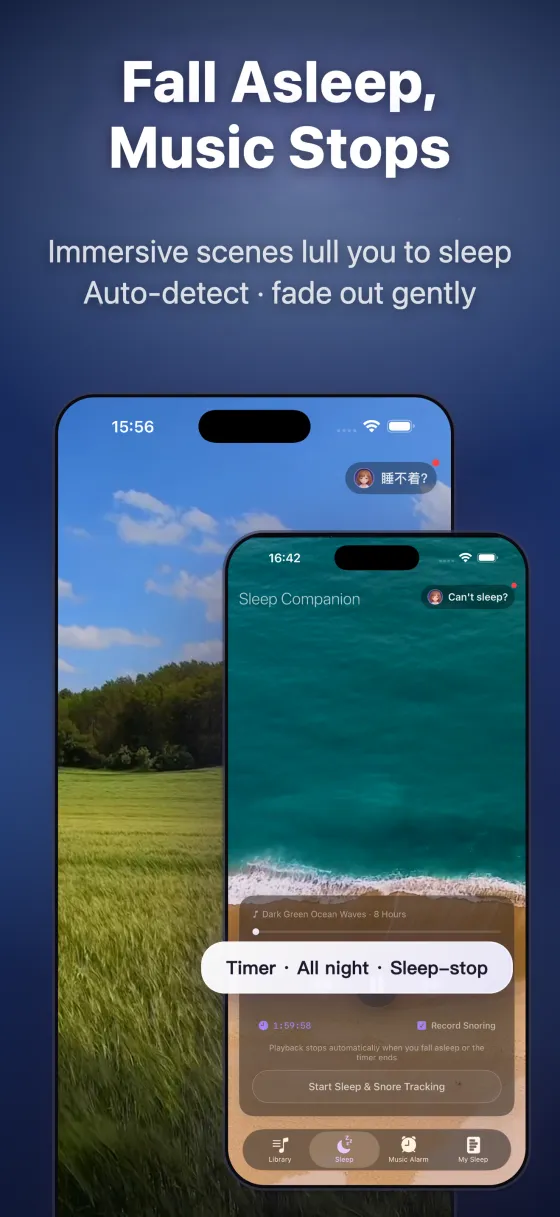
The problem with sleep timers
A fixed timer has two bad failure modes: set it too short and the sudden silence cuts in while you're still awake — and wakes you. Set it too long (or leave sound on all night) and it drains your battery and tires your ears. Either way, the timer has no idea whether you're actually asleep.
How auto-stop works
Sleep Island watches your movement through your iPhone's motion sensors and stops the audio only after it detects you're asleep — specifically, asleep plus about ten quiet minutes — with a timer only as a fallback. So the failure mode is "stops a little late," never "stops while you're still awake." No wearable needed.
Pick a sound, it handles the rest
Browse free soundscapes — rain, ocean, white noise, fireplace, crickets — and the app stops them for you once you're asleep.